First-time Login
It is strongly recommended to create a Firehawk-Systems account before accessing Matrix-Synapse/Element
If you don't have a Firehawk-Systems account, follow this process https://knowledge.firehawk-systems.com/books/managing-your-account/page/requesting-an-account
Account Creation
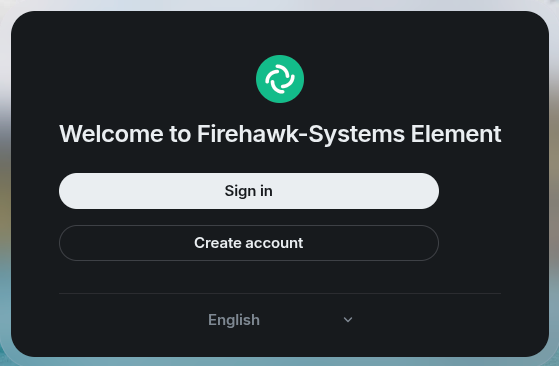
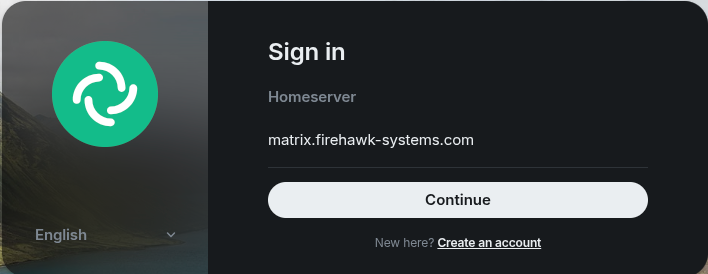
Note the Homeserver URL https://matrix.firehawk-systems.com will be required when logging in to Element X or Element Classic
After clicking Continue, you will be taken to Matrix Authentication Service at https://mas.firehawk-systems.com. Click on "Continue with Firehawk-Systems"
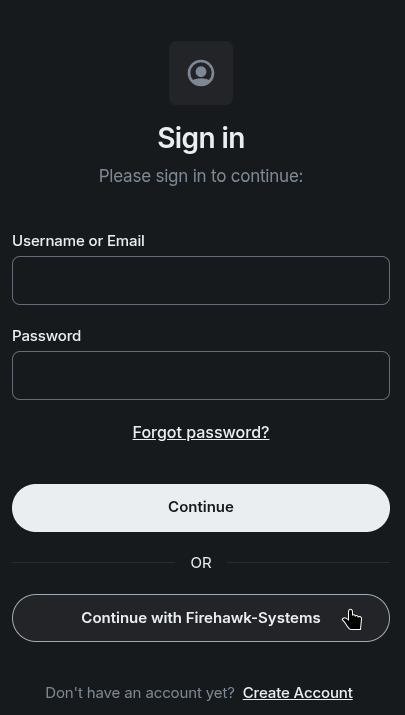
You will then be taken to Authentik login page, where you can login with your Firehawk-Systems account
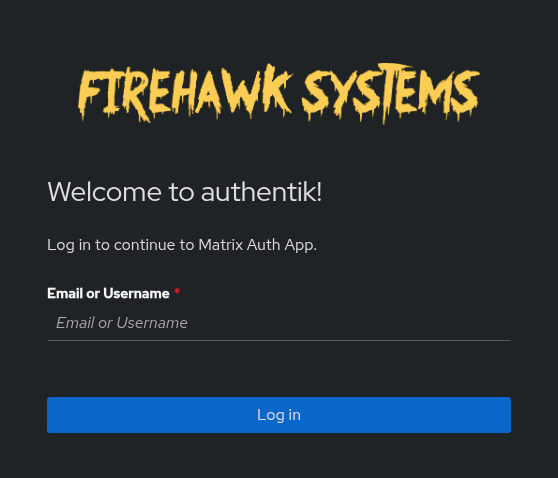
The next page will confirm information and allow profile information to be set. Details from the Identity Provider are used by default.
Uncheck the "Use" box if you want to change the information
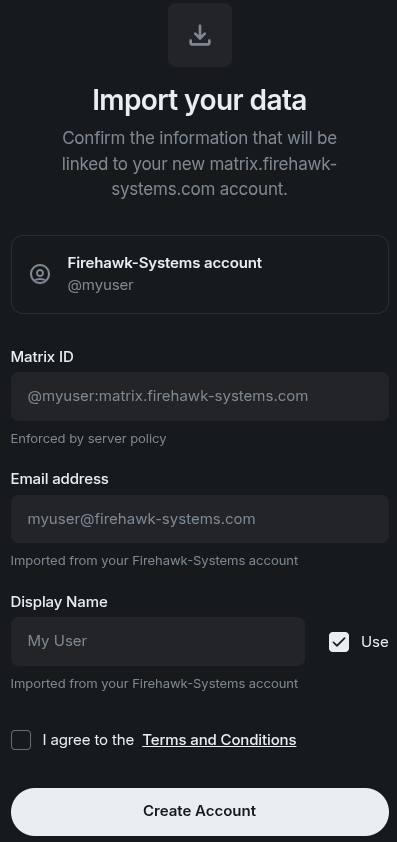
Click on "Terms and Conditions" then check the box. Do not create your account if you do not agree.
If prompted with the below page, press "Continue"
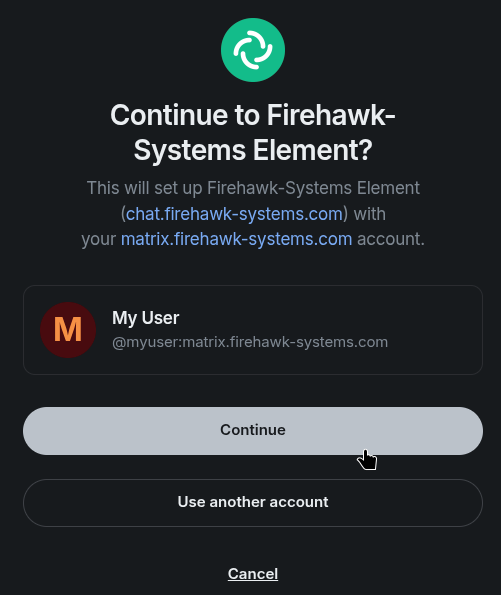
Your account setup is NOT complete yet! Keep reading
Set up Secure Key Backup
You will see a popup to "Back up your chats" - this is essential for synchronizing messages to multiple devices. Click "Continue"
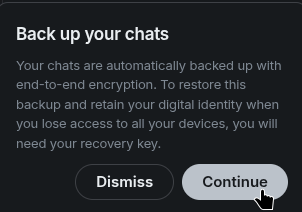
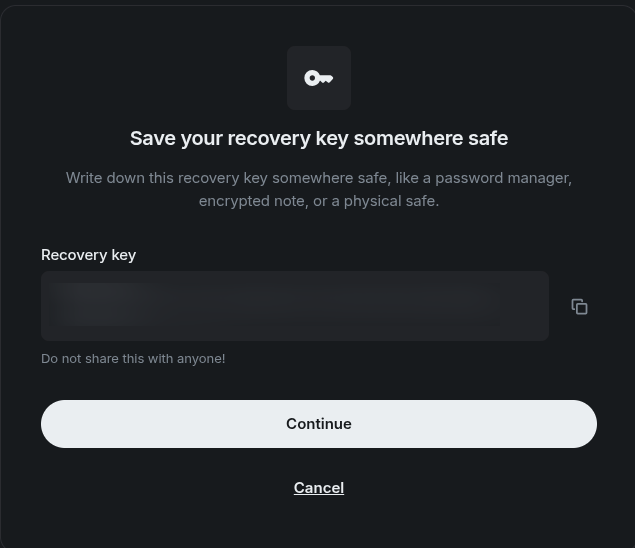
Click "Get recovery key", then click "Continue" on the next screen
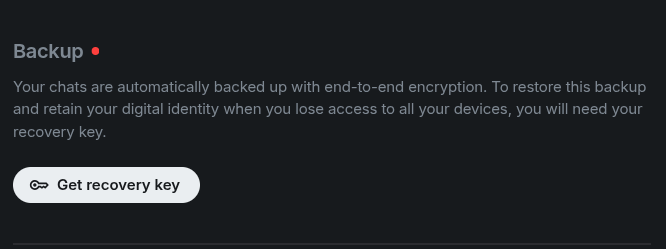
This key will be needed if you ever lose access to your last device logged into Element
Click the copy button to the right of the "Recovery key" and save it somewhere safe
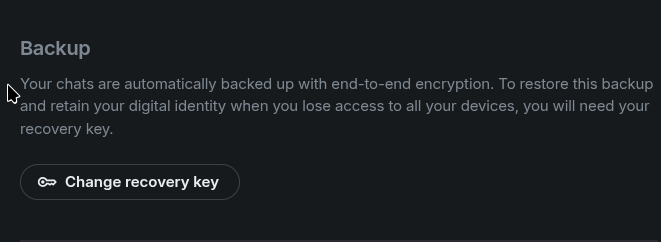
The next page will prompt you for the recovery key that was just generated. When complete, the Backup section should show "Change recovery key"